Tempo without the chipmunk
Speed changes keep the pitch where it was.
Change the speed and the key independently. Slow a solo to half speed and it stays in tune; move a song into your key and the tempo stays put.
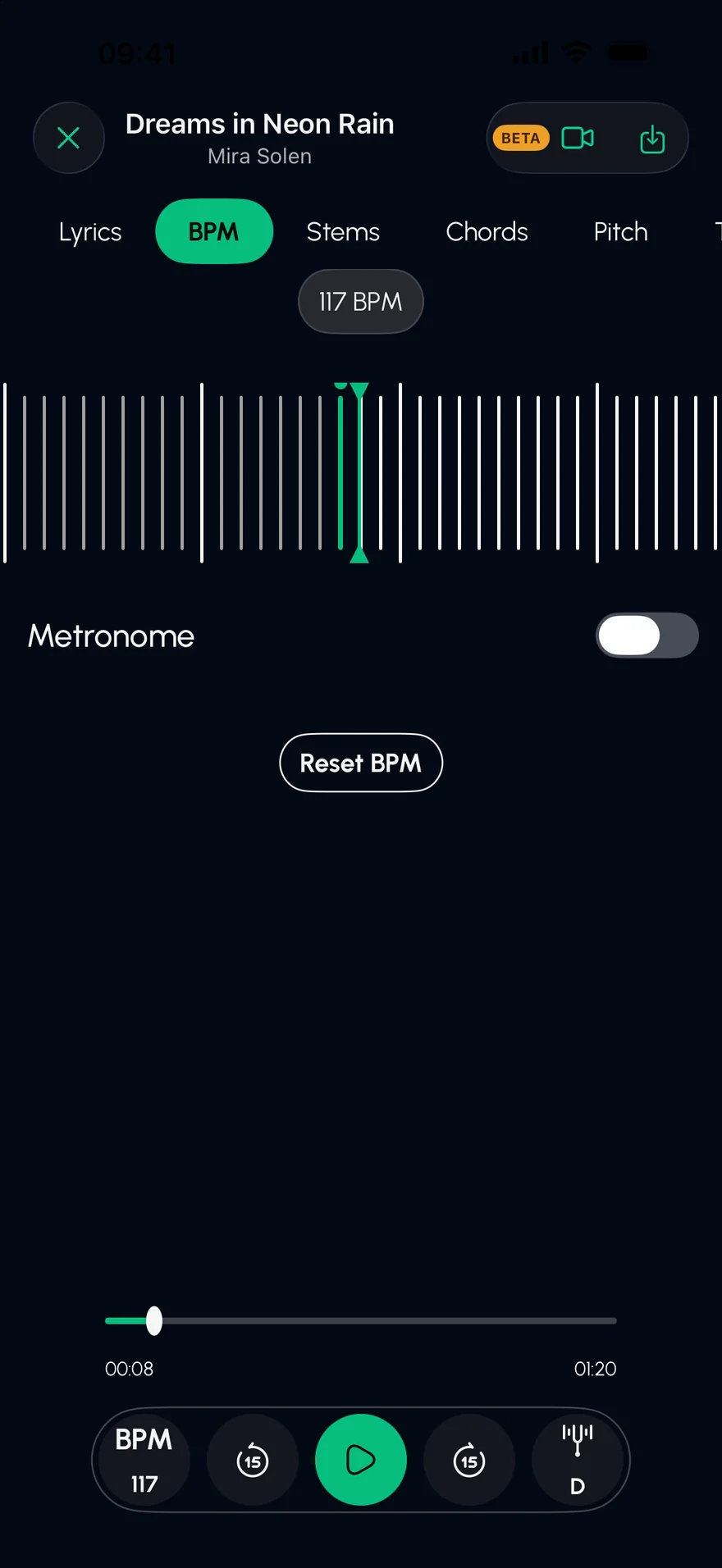
Press play, then drag Tempo: the notes keep their pitch. Drag Key: the groove keeps its speed.
An original demo track, played live in your browser. In the app, you split your own songs.
From Files, your library, a video or a link.
Slow it down for practice, or shift the key to suit your voice or tuning.
Mute your instrument, keep a click, and play along.
Speed changes keep the pitch where it was.
Transpose up or down and the tempo stays the same.
Slow down just the part you're learning by soloing it.
Practise slowly, then play it back at full tempo in the Studio.
No. Tempo and pitch are independent in Stem Split, so a song at 70% speed stays in its original key.
Yes. Transpose the song up or down and the tempo doesn't move.
Yes. The BPM is detected, and you can play a click along with the song.
Isolate the guitar in any song on iPhone or iPad. Solo the guitar stem, slow it down without changing the pitch, and see the chord shapes as they go by.
Open →Turn any song into a karaoke track on iPhone or iPad. Stem Split removes the vocals with AI, keeps the band, and shows the lyrics line by line.
Open →Find the chords of any song on iPhone or iPad. Stem Split works out the progression, shows a guitar shape for every chord and lines them up with the lyrics.
Open →Free on the App Store for iPhone and iPad.