The guitar on its own
No more guessing a riff under the vocals and cymbals.
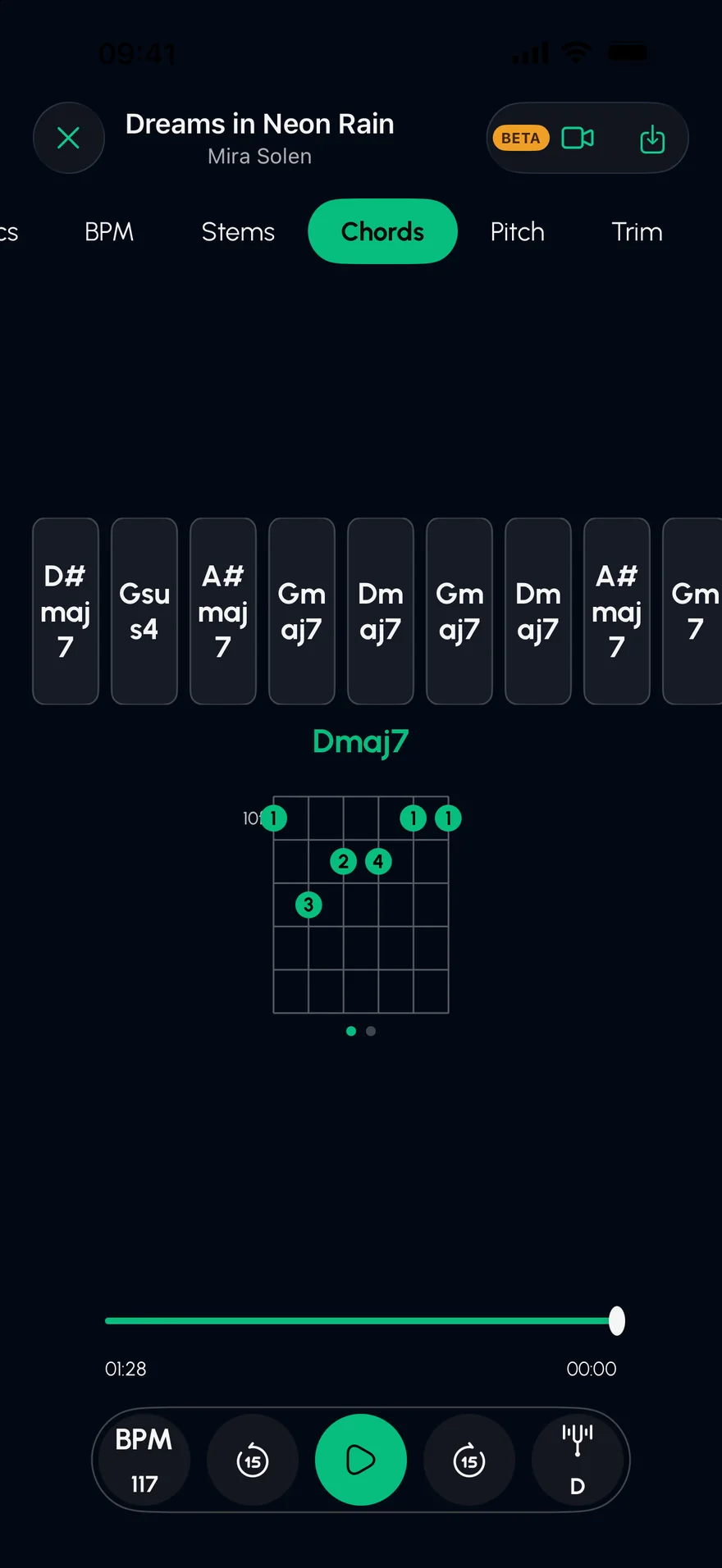
Solo the guitar, strip the band away and slow it down until every note is clear, with the chord shapes on screen as the song plays.
Press play to hear the guitar part on its own. Mute it instead and you have a backing track to play over.
An original demo track, played live in your browser. In the app, you split your own songs.
From Files, your library, a video, or a link.
AI splits the song into six stems; tap S on the guitar.
Drop the tempo without changing the pitch, then mute the guitar and play it yourself.
No more guessing a riff under the vocals and cymbals.
The progression, with a guitar diagram for every chord.
Practise at half speed with the pitch unchanged, and add a click.
Mute the guitar, record your own take in the Studio, lined up to the beat.
The guitars in a song come out together on the guitar stem. Soloing it removes everything else: vocals, drums, bass and keys.
No. Tempo and key are independent, so a solo at 60% speed stays in tune.
Yes. Acoustic and electric guitars generally both land on the guitar stem.
Find the chords of any song on iPhone or iPad. Stem Split works out the progression, shows a guitar shape for every chord and lines them up with the lyrics.
Open →Hear the bass line of any song on its own. Stem Split isolates the bass with AI on iPhone and iPad, so you can learn it, slow it down, or mute it and play along.
Open →Slow down any song without changing its pitch, or change the key without changing the tempo. Practise at your own speed on iPhone and iPad, with a metronome.
Open →Free on the App Store for iPhone and iPad.