Ready for your DAW
DAW export gives aligned WAV stems with the tempo and chords, plus session files for Reaper, Cubase, Studio One and Bitwig.
Stem Split lifts the vocal out of the mix and leaves the drums, bass and instruments behind. Solo it, study it, or export it as its own file.
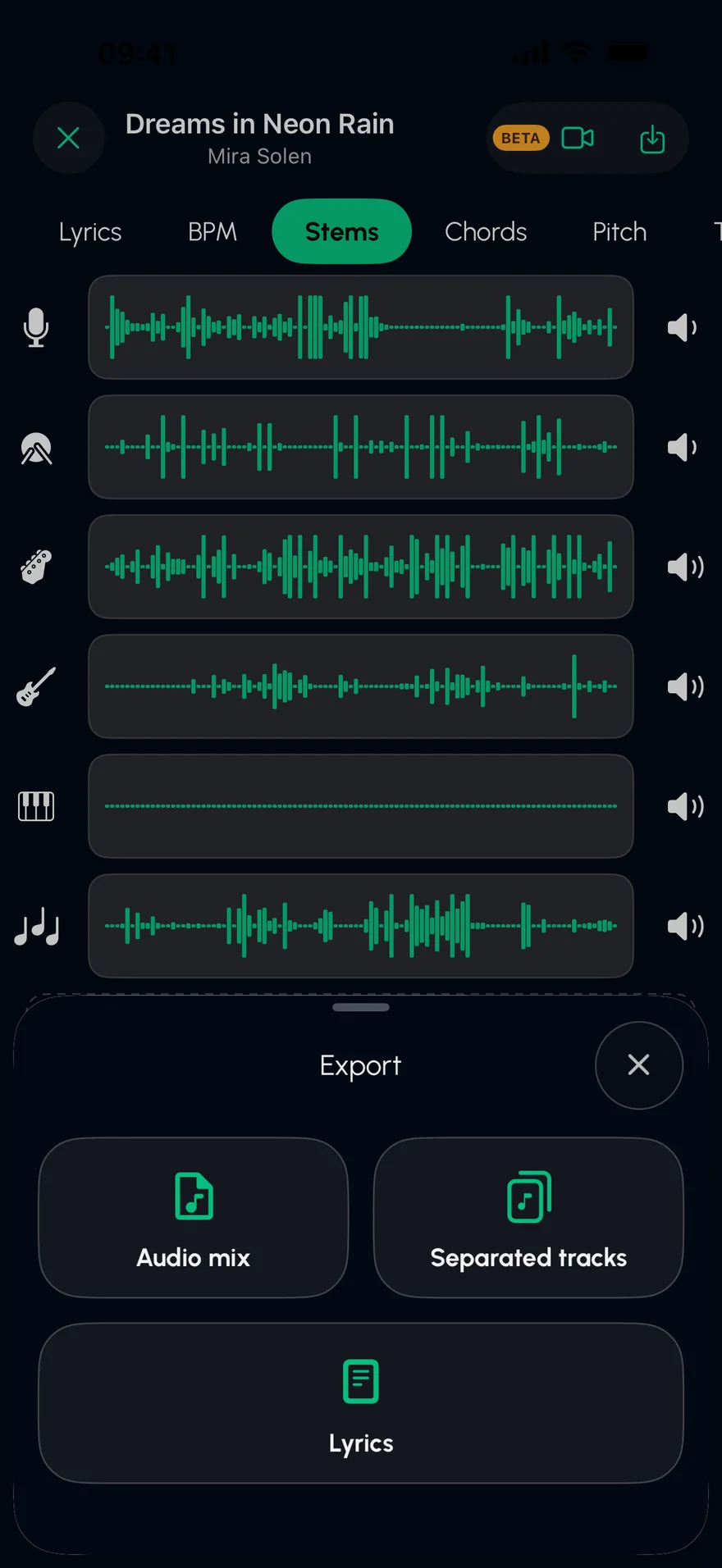
Press play to hear the vocal on its own. Bring the band back one stem at a time.
An original demo track, played live in your browser. In the app, you split your own songs.
Any audio file you own: MP3, WAV, M4A, FLAC and more.
AI separates the vocal from every instrument.
Solo the vocal to listen, or export it as its own audio file.
DAW export gives aligned WAV stems with the tempo and chords, plus session files for Reaper, Cubase, Studio One and Bitwig.
Breaths, harmonies and phrasing you never noticed under the band.
The BPM and key are worked out for you, which is exactly what a remix or mashup needs.
Drums, bass, guitar, piano and the rest come out as separate tracks as well.
Stem Split uses current AI separation models, and most studio recordings come out clean. Busy live recordings, or vocals with heavy effects, can keep traces of other instruments.
Separating a song doesn't give you any rights to it. For practice and study that's fine; to publish a remix or sample, get permission from the rights holders.
The separated tracks export as audio files, and DAW export writes aligned WAV stems with session files and a MIDI tempo map.
Turn any song into a karaoke track on iPhone or iPad. Stem Split removes the vocals with AI, keeps the band, and shows the lyrics line by line.
Open →Isolate the drums in any song to learn the part, or remove them to make a drumless track to play along with. AI stem separation on iPhone and iPad.
Open →Slow down any song without changing its pitch, or change the key without changing the tempo. Practise at your own speed on iPhone and iPad, with a metronome.
Open →Free on the App Store for iPhone and iPad.